
Docker · Build Security
Docker Build Secrets: Temporary Access Without Shipping Credentials
Use BuildKit secret mounts for private dependency access and review what build commands leave behind.
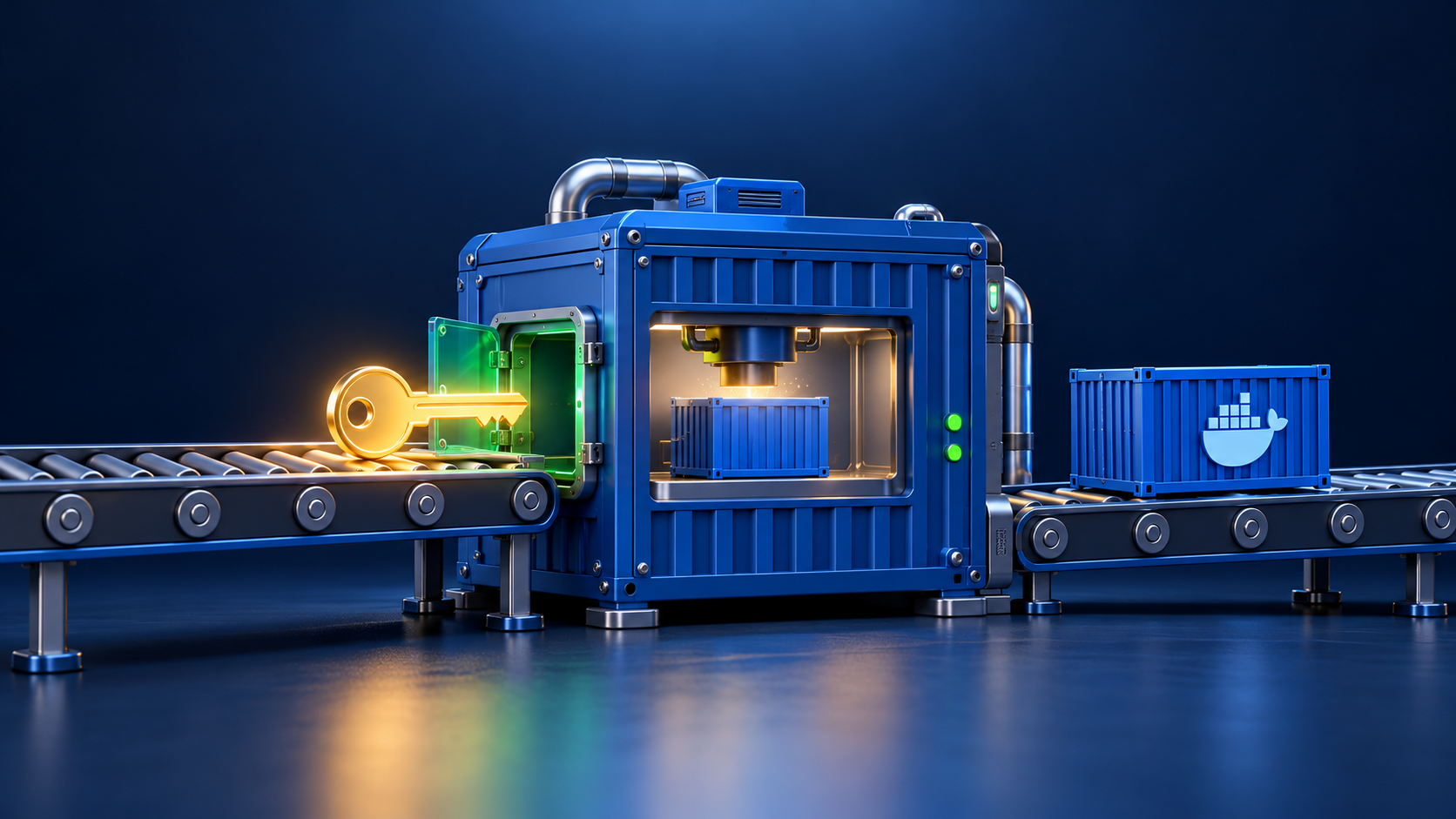
A container build may need credentials to download private dependencies. Those credentials should authorize the build step without becoming part of the shipped application image.
Use a temporary mount
Docker BuildKit secret mounts make a supplied secret available for a specific build instruction. Avoid using ordinary ARG or ENV instructions to transport build credentials, because those mechanisms are inappropriate for keeping secrets out of image metadata and outputs.
Connect both ends
For a harmless example, supply a local configuration file with docker build --secret id=package_config,src=./private-package.conf . Then consume it in a RUN instruction using --mount=type=secret,id=package_config. The default mounted file is /run/secrets/package_config. Configure the dependency tool to read that path during the same instruction.
Keep the output clean
Temporary availability is not a guarantee against accidental disclosure. A command can still print the file, copy it into the image, or write credentials into generated configuration. Review the tool’s output and files rather than assuming the mount prevents every leak.
Separate build and runtime access
A credential needed while building is not automatically an application runtime secret. Provision runtime access independently, with permissions appropriate to the deployed service.
Use dummy credentials when testing the build’s handling of failures and diagnostic output.